Aqara and Home Assistant: Vibration, Door and Climate
Quick verdict: Aqara for the small sensors, Home Assistant for the brain
Aqara sensors are tiny, run on a coin cell and last for years. Connected to Home Assistant over Zigbee, or Thread/Matter for newer models, they react locally in a fraction of a second, with no cloud and no monthly subscription.
- The versatile star: Aqara vibration sensor. Vibration, tilt and drops. Weak point: a Zigbee dongle (or an Aqara hub) is required.
- The modern dual-protocol pick: Aqara P100 multi-state sensor (or P2 door and window sensor). Openings, and vibration on the P100 in Zigbee. Weak point: pricier than classic Zigbee versions.
- The battery-life champion: Aqara P1 motion sensor. Automatic lighting, up to 5 years claimed. Weak point: infrared, so it does not detect someone sitting still.
- For climate: Aqara temperature and humidity sensor. Basement, garage, humidifier, wine cellar. Weak point: indoor use only.
- The optional brain: Aqara Hub M3. Matter, Thread and Zigbee with no USB dongle. Weak point: pointless if you already have a Zigbee dongle.
All of them work with no subscription and locally.
Quick comparison
| Model | Protocol | What it detects | Estimated battery life | Bridge required | Approximate price |
|---|---|---|---|---|---|
| Aqara vibration sensor | Zigbee 3.0 | Vibration, tilt, drop | About 2 years (CR2032) | HA Zigbee dongle or Hub M3 | Around $20 – $35 |
| Aqara P100 multi-state sensor (or P2 door and window sensor) | Zigbee or Thread/Matter depending on model | Open/close, vibration and shock (P100) | Several years claimed: check by model | None in Thread/Matter with a border router; Zigbee dongle or Hub M3 in Zigbee | Around $25 – $45 |
| Aqara P1 motion sensor | Zigbee 3.0 | Motion (PIR infrared), 150° to 170° angle | Up to 5 years claimed | HA Zigbee dongle or Hub M3 | Around $25 – $45 |
| Aqara temperature and humidity sensor | Zigbee | Temperature, humidity, barometric pressure | About 2 years (CR2032) | HA Zigbee dongle or Hub M3 | Around $20 – $35 |
| Aqara Hub M3 | Matter, Thread, Zigbee | Bridge and Thread border router | Mains powered | Used as the bridge | Around $130 – $200 |
Approximate prices in Canadian dollars and battery life as claimed by the maker, to check on Amazon.ca before buying. Cold reduces coin-cell battery life.
The criteria that matter with Home Assistant
Zigbee or Thread/Matter. Zigbee is proven and very well supported. Thread with Matter simplifies integration but needs a border router. To understand the difference in detail, read our Zigbee, Thread, Matter or Wi-Fi guide.
The Aqara subtlety: pairing. Older Aqara Zigbee sensors work very well with Zigbee2MQTT or ZHA, but they prefer to be paired directly to the coordinator (the dongle) or to compatible repeaters. Pair them next to the dongle, before installing them in their final spot. Some third-party routers cause dropouts: if a sensor drops, move it closer to the coordinator or to a trusted router.
Battery life. Coin cells last 2 to 5 years, but cold wears them out faster. A sensor in an unheated garage at -25 °C will lose battery life.
Local first. Once paired, Home Assistant reads the data without going through the internet. If your provider is down, your alerts keep working.
The 5 Aqara products in detail
Aqara vibration sensor (Zigbee)
Aqara vibration sensor (Zigbee)
Pros
- Detects vibration, tilt and drops, with adjustable sensitivity
- CR2032 battery included, about 2 years of battery life
- Keeps working if the internet is down
- Great for the washer, dryer, mailbox or a sliding window
Cons
- Needs a Zigbee dongle (e.g. SONOFF Zigbee 3.0) in Home Assistant or an Aqara hub
- Tilt detection sometimes needs a sensitivity adjustment
- Coin cell: battery life drops in an unheated space
Aqara P100 multi-state sensor (or P2 door and window sensor)
Aqara P100 multi-state sensor (or P2 door and window sensor)
Pros
- Detects doors and windows opening and closing
- Also detects vibration and shock on the P100, in Zigbee mode
- No proprietary hub in Thread/Matter, with a border router
- Direct integration in Home Assistant, Apple Home, Alexa and Google Home
Cons
- A bit pricier than classic Zigbee versions
- Some advanced features remain reserved for the Aqara app
- Check the protocol and version of the exact model before buying
Aqara P1 motion sensor (Zigbee 3.0)
Aqara P1 motion sensor (Zigbee 3.0)
Pros
- Wide-angle detection (150° to 170°)
- Configurable re-detection delay
- Battery life claimed up to 5 years
- Perfect for automatic lighting in a hallway, bathroom or staircase
Cons
- Infrared (PIR) sensor: it detects motion, not someone sitting still on the couch
- For real presence, look at mmWave radar sensors like the Aqara FP1E or FP2
- Needs a Zigbee dongle or a hub
Aqara temperature and humidity sensor (Zigbee)
Aqara temperature and humidity sensor (Zigbee)
Pros
- Tiny and accurate (Sensirion sensor)
- Also measures barometric pressure
- Ideal for the basement, garage, humidifier or wine cellar
- About 2 years of battery life on a CR2032
Cons
- Indoor use only: do not leave it outside at -30 °C
- Data is sent only on a significant change, to save the battery
- Needs a Zigbee dongle or a hub
Aqara Hub M3 (Matter, Thread, Zigbee)
Aqara Hub M3 (Matter, Thread, Zigbee)
Pros
- Links Aqara Zigbee sensors to Home Assistant, Apple Home, Alexa and Google Home locally via Matter
- Acts as a Thread border router
- No USB dongle to plug into your server
- No subscription
Cons
- Pointless if you already have a Zigbee dongle linked to Zigbee2MQTT or ZHA
- Much pricier than a Zigbee dongle
- Some advanced features go through the Aqara app
5 automations with the Aqara vibration sensor
These examples assume Home Assistant. If you do not have a server yet, read our guide to installing Home Assistant on a mini PC. Adapt the entity names to yours.
1. Washer or dryer end-of-cycle alert
Attach the sensor to the appliance. When vibration stops for 3 minutes, the cycle is done:
alias: Washer finished
trigger:
  - platform: state
    entity_id: binary_sensor.washer_vibration
    to: "off"
    for: "00:03:00"
action:
  - service: notify.mobile_app_my_phone
    data:
      title: "Washer"
      message: "The cycle is finished: move the laundry."
2. Connected mailbox
Attach the sensor inside the box, near the flap. The tilt or vibration signals the mail’s arrival:
alias: Mail arrived
trigger:
  - platform: state
    entity_id: binary_sensor.mailbox_vibration
    to: "on"
action:
  - service: notify.mobile_app_my_phone
    data:
      message: "The mail has arrived."
In Canada, first test the Zigbee range from outside, and keep in mind that cold reduces coin-cell battery life: check it before winter.
3. Basement window or patio door security
A shock or a forced-entry attempt triggers an alert. Set the sensitivity to avoid false alarms from wind or a passing truck. For a priority alert, use a critical notification. Our water leak detector comparison shows how to set up this kind of basement alert.
4. Presence at the desk or in the chair
Place the sensor under the seat. As soon as someone sits down, the desk lamp turns on:
alias: Desk lamp on sitting
trigger:
  - platform: state
    entity_id: binary_sensor.chair_vibration
    to: "on"
action:
  - service: light.turn_on
    target:
      entity_id: light.desk_lamp
5. Monitoring a drawer or a valuable item
Attach the sensor to the tool drawer, the medicine cabinet or a strongbox. Any opening or movement sends a notification, handy if children live at home. A door sensor is more precise for a simple opening; the vibration sensor suits cases where movement matters more than position.
Zigbee USB dongle or Aqara Hub M3: how to connect everything to Home Assistant
Both options are free to use, with no subscription.
Option 1: the Zigbee dongle (ZHA or Zigbee2MQTT). You plug a dongle (for example SONOFF Zigbee 3.0) into the mini PC running Home Assistant. ZHA is built into Home Assistant; Zigbee2MQTT offers more settings and a long list of supported devices. Sensors connect directly to the dongle, locally. It is the cheapest and most flexible option.
Option 2: the Aqara Hub M3. It receives the Aqara Zigbee sensors and exposes them to Home Assistant via Matter, with no USB dongle. It also acts as a Thread border router for Matter sensors. It is ideal if you also want Apple Home, Alexa or Google Home in parallel. Check which sensors and features are exposed via Matter.
The mesh trick. Zigbee forms a mesh network: every mains-powered device (smart plug, bulb) relays the signal of battery-powered sensors. Add a few Zigbee smart plugs around the house, especially upstairs and in the basement, so distant sensors keep a stable link. One Zigbee plug per floor noticeably improves range in a two-storey Canadian home.
Which choice for your situation
- You already have a Home Assistant mini PC: a Zigbee dongle, then the vibration sensor and the climate sensor.
- You want Apple Home, Alexa and Home Assistant at the same time: Aqara Hub M3.
- You want automatic lighting without ever changing a battery: P1 motion sensor.
- You want to monitor the basement and garage in winter: temperature and humidity sensor. To turn it into a real freeze alarm, follow our tutorial on freeze and heating failure alerts.
- You want a modern, bridge-free sensor: P100 multi-state sensor or P2 door and window sensor in Thread/Matter.
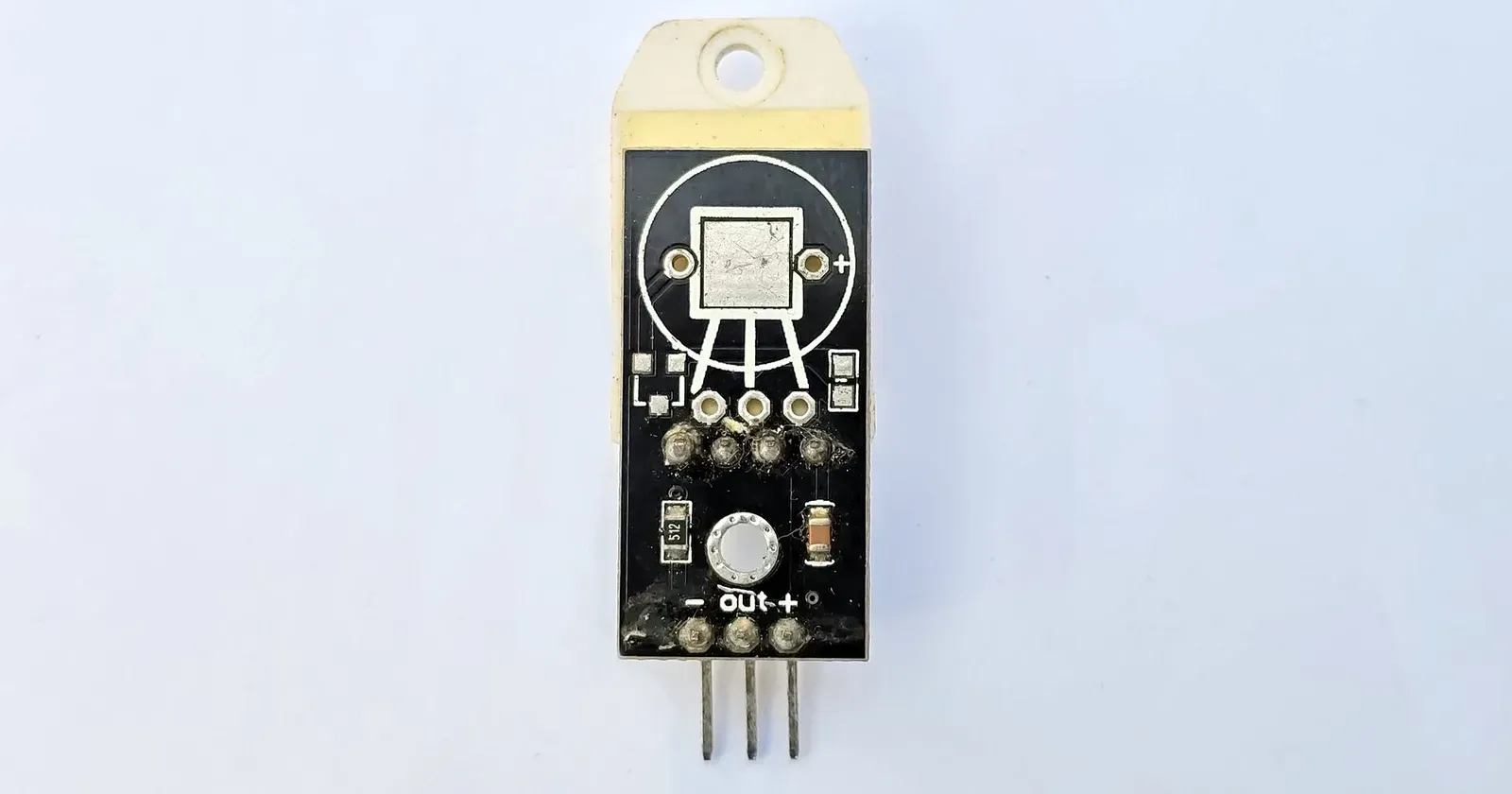
Photo: “DHT22 digital temperature and humidity sensor module pcb”, Suyash Dwivedi, Wikimedia Commons, CC BY-SA 4.0 (cropped and converted).
Frequently asked questions (FAQ)
Do I have to buy an Aqara hub to use the vibration sensor with Home Assistant?
No. The Aqara vibration sensor is a Zigbee device: a Zigbee dongle plugged into your Home Assistant server (for example a SONOFF Zigbee 3.0) is enough, using the ZHA or Zigbee2MQTT integration. The Aqara hub, such as the Hub M3, is an alternative for people who do not want a USB dongle. You need only one of the two, not both.
How do I automate my washer or dryer with an Aqara vibration sensor?
Attach the sensor to the top or side of the appliance. In Home Assistant, create an automation that triggers when the sensor has detected no vibration for 3 minutes, then send a notification to your phone or announce it on a speaker. Adjust the sensitivity for the appliance: a noisy washer often needs a lower setting than a dryer.
What is the difference between Zigbee and Thread/Matter on the newer Aqara sensors?
Zigbee is Aqara's historic protocol: it needs a Zigbee dongle or a hub, and Home Assistant has supported it for a long time. Thread with Matter is newer: a Thread sensor connects through a border router, such as the Hub M3, and shows up in Home Assistant, Apple Home, Alexa or Google Home with no proprietary hub. Some advanced features remain reserved for the Aqara app.
Do Aqara sensors work without internet and without a monthly subscription?
Yes. Once paired to a Zigbee dongle or a hub, Aqara sensors communicate locally, and Home Assistant automations keep running if the internet goes down. No subscription is required for the basic features. The Aqara app and its cloud account are optional if you use Home Assistant.